Basic Details
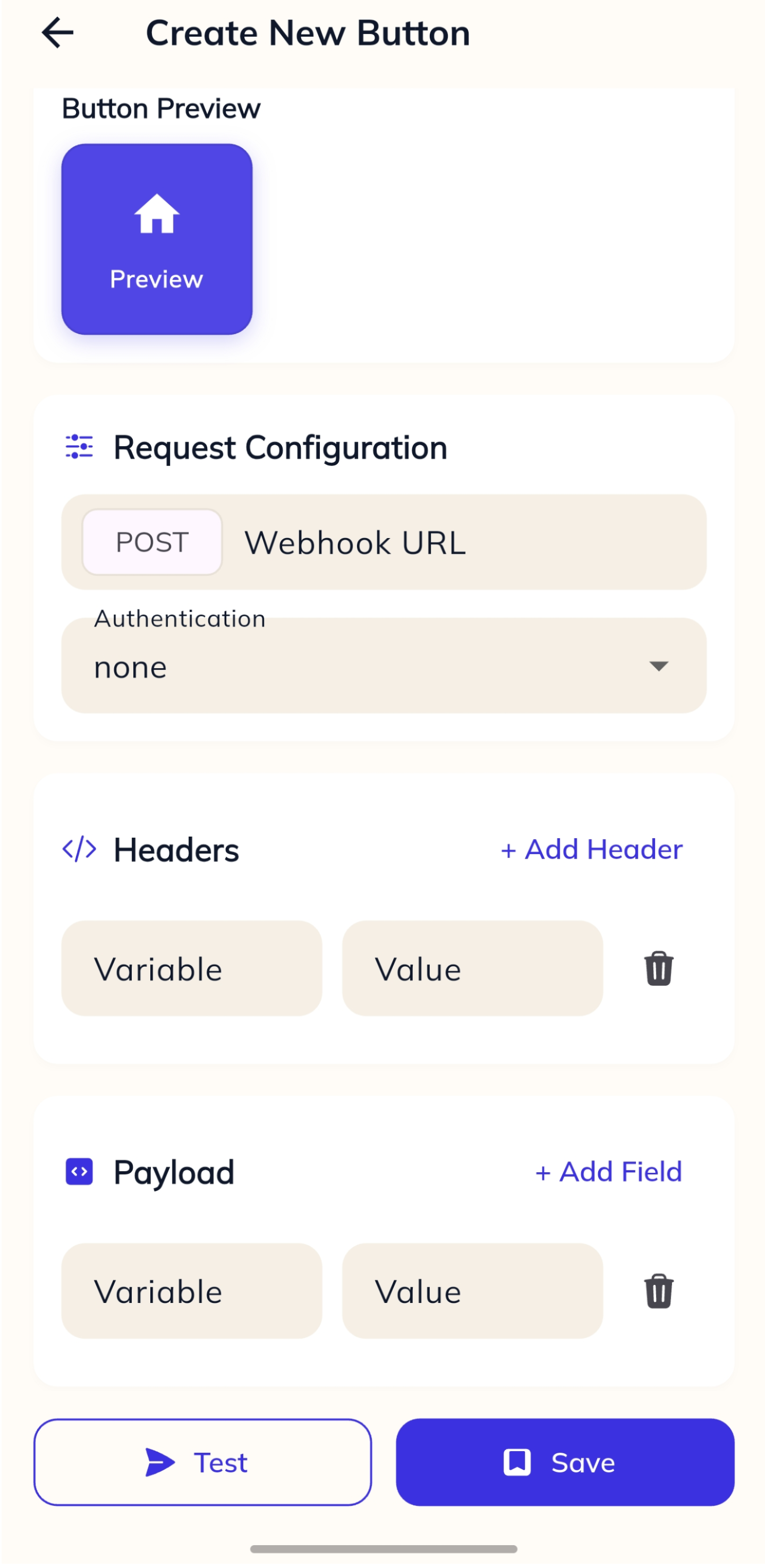
Request Configuration
Headers
Content-Type is set automatically based on the body type. Add a Content-Type header here to override it.
Body
Preview
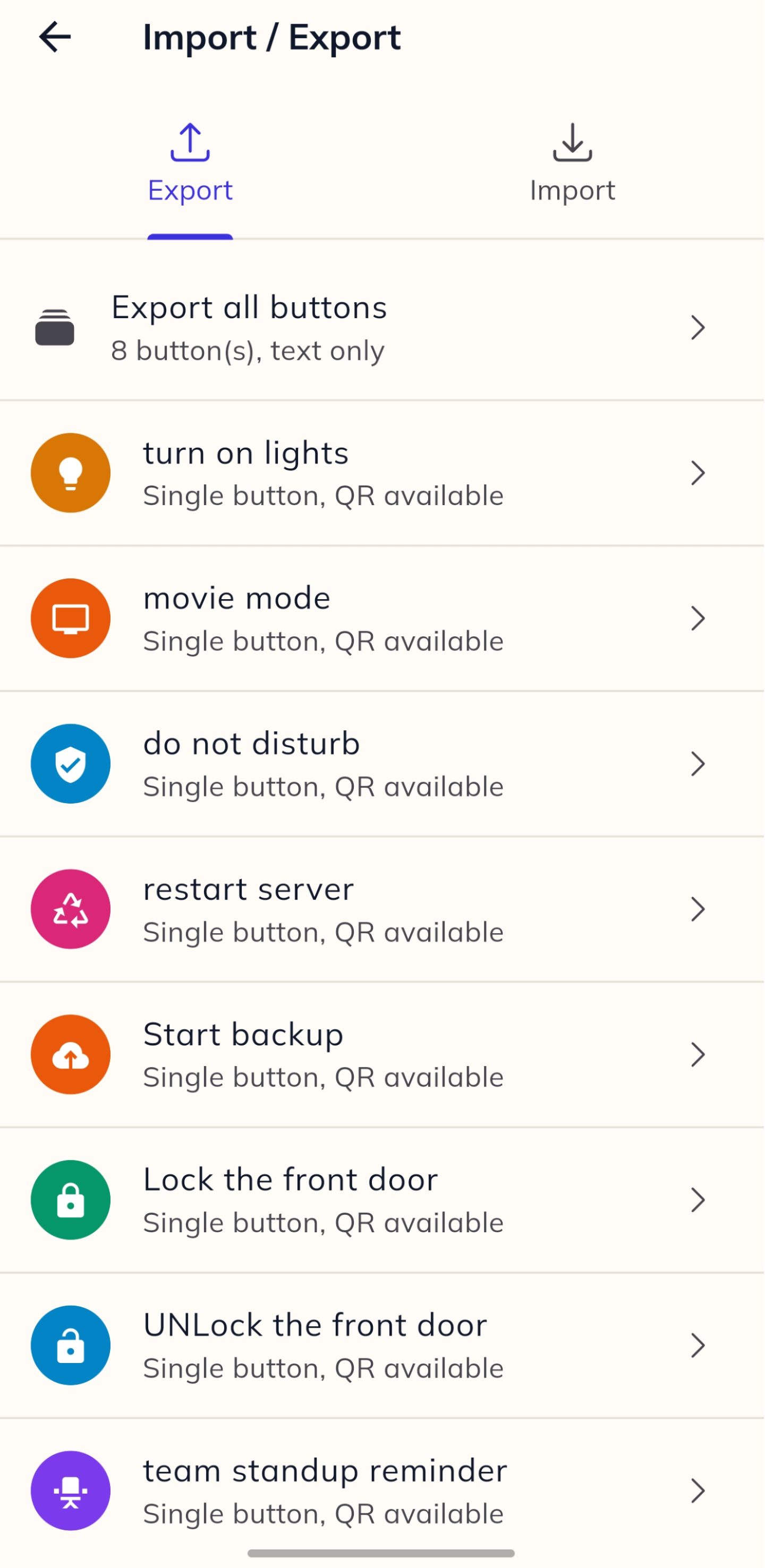
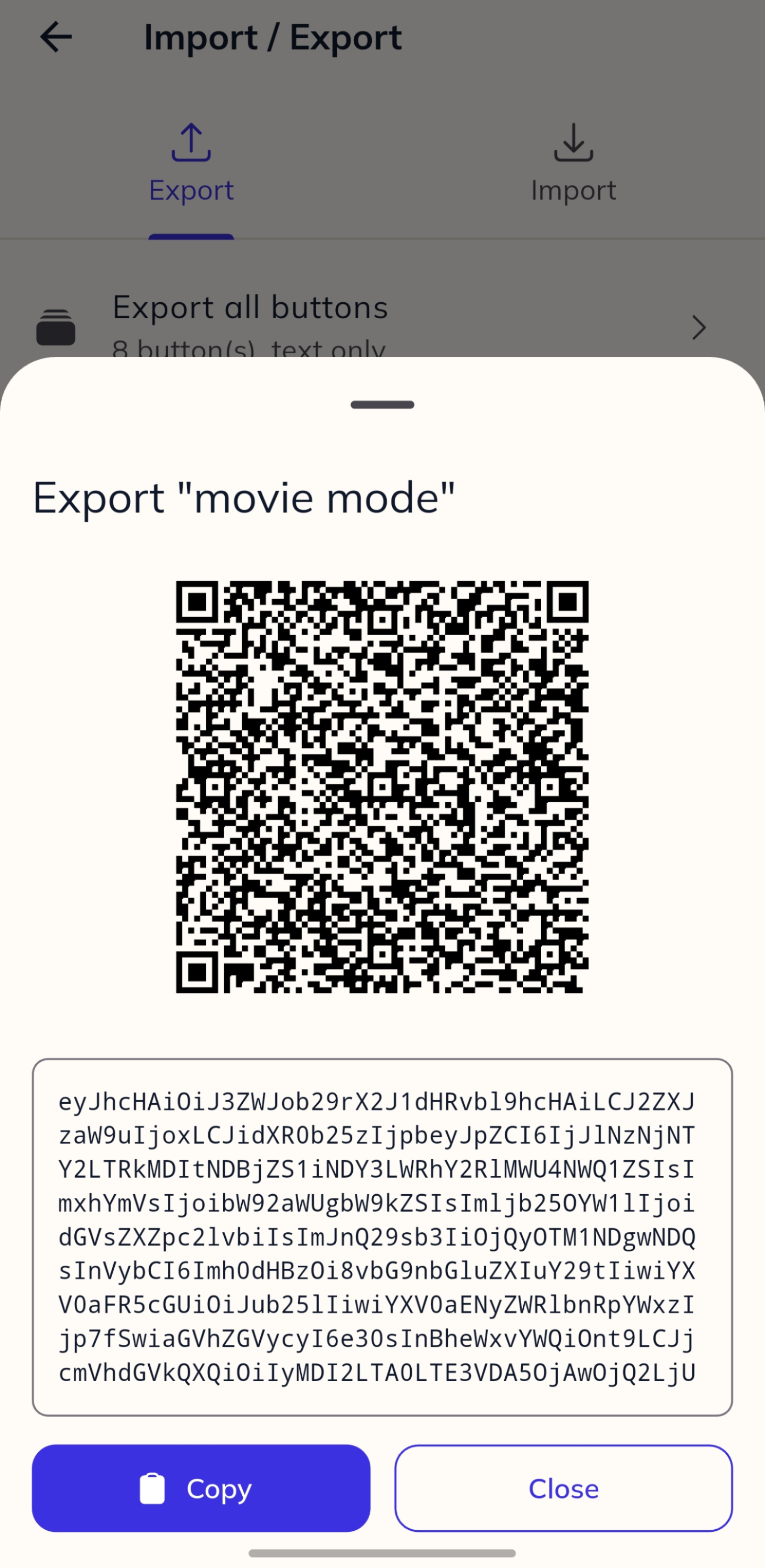
Export via QR
Scan this code with the Buttonbarry app.
QR code will appear here

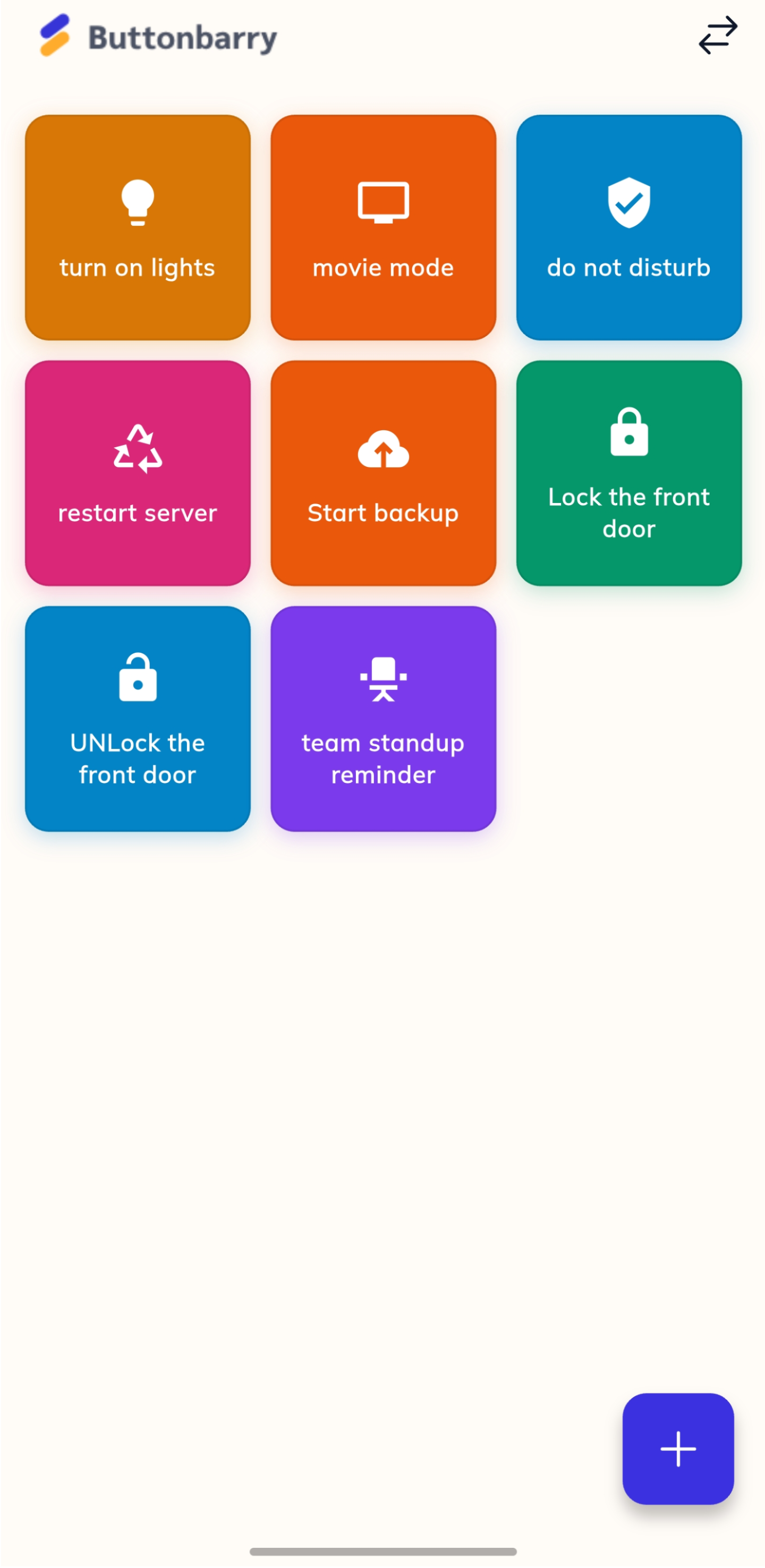
Stop opening five different apps to trigger one thing. Buttonbarry puts any webhook — home automation, dev tools, work flows — on your phone's home screen as a single button.
Free. No server. No account.
Every platform has its own app. Home Assistant, n8n, Jenkins, Slack, your own APIs — they all have webhooks but none of them give you a dead-simple way to fire one from your phone without navigating menus.
Buttonbarry does one thing: you define a button, configure the endpoint, and it lives on your home screen. Tap it. Done. No app switching, no login, no hunting through dashboards.
It is not limited to home automation. Anything that accepts a POST request works — internal tools, CI pipelines, notification services, custom scripts. If it has a webhook, you can trigger it.
None, Basic Auth, Bearer token, API Key, or fully custom headers. Whatever your endpoint needs.
GET, POST, PUT, PATCH, or DELETE. Fire any verb your endpoint expects.
Send JSON, form-encoded, or plain-text bodies, with custom headers for the rest.
Place any button as a 1×1 home-screen widget. Tap to fire it, no app open required.
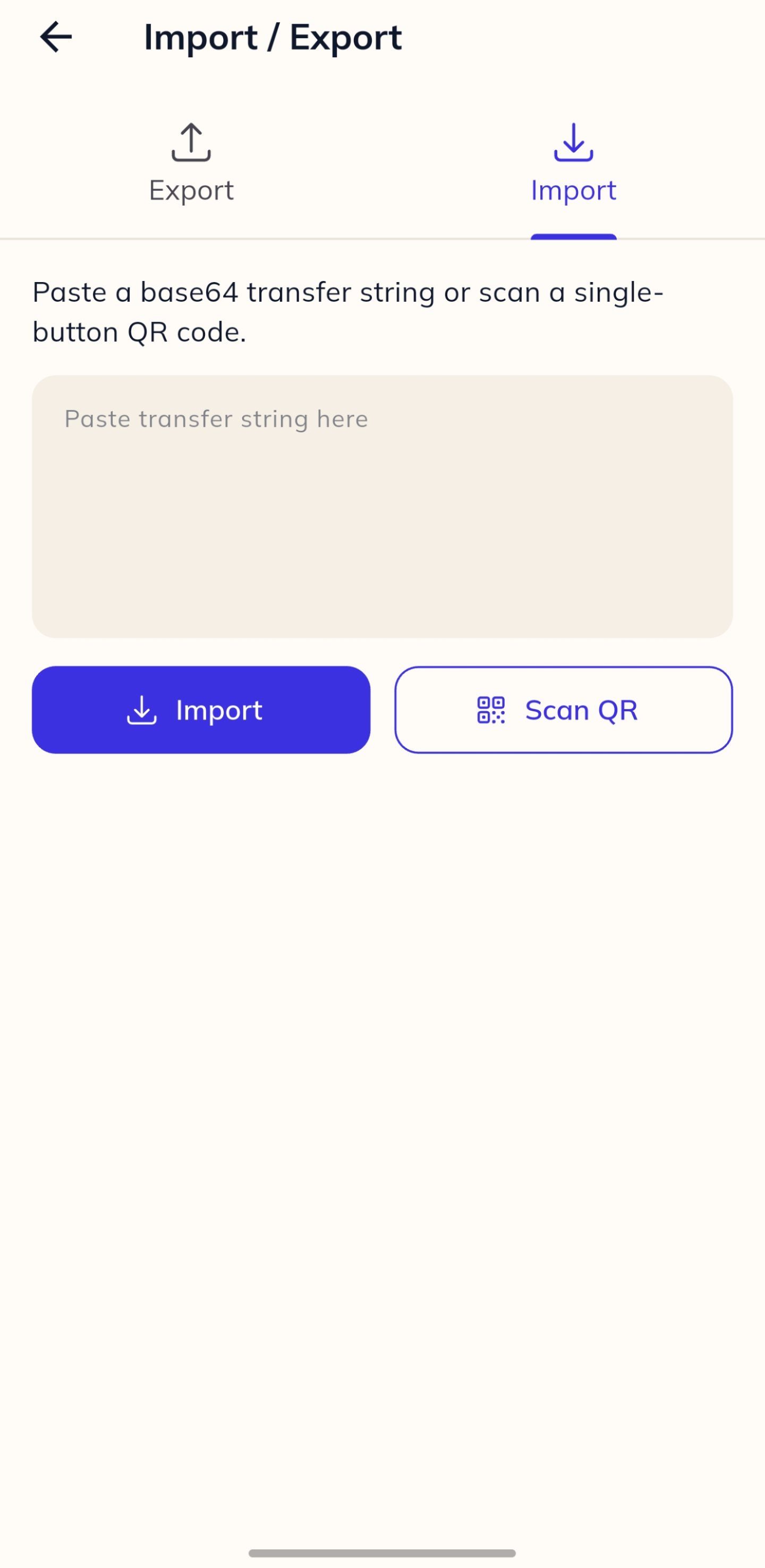
Build a button at buttonbarry.cc and scan its QR code to add it to the app instantly.
Everything stays on your device. No account, no cloud sync, no subscription, and no cap on buttons.
Create a button in the app or use the web builder on this page. Give it a label, an icon, a URL, and whatever auth or payload your endpoint expects. Save it, add it as a widget, and tap it whenever you need it.
That is it. No account. No backend watching your requests. Just your phone talking directly to your endpoint.
Build your buttons here and scan the QR code to instantly import them into the app.
Content-Type is set automatically based on the body type. Add a Content-Type header here to override it.
Scan this code with the Buttonbarry app.
QR code will appear here